
DSource Studio
From an empty room
to a sourced design.
Everything DSource does, end to end — imagine it, identify it, draw it, spec it, source it, and keep it all in one place.
01 — AI Room Render
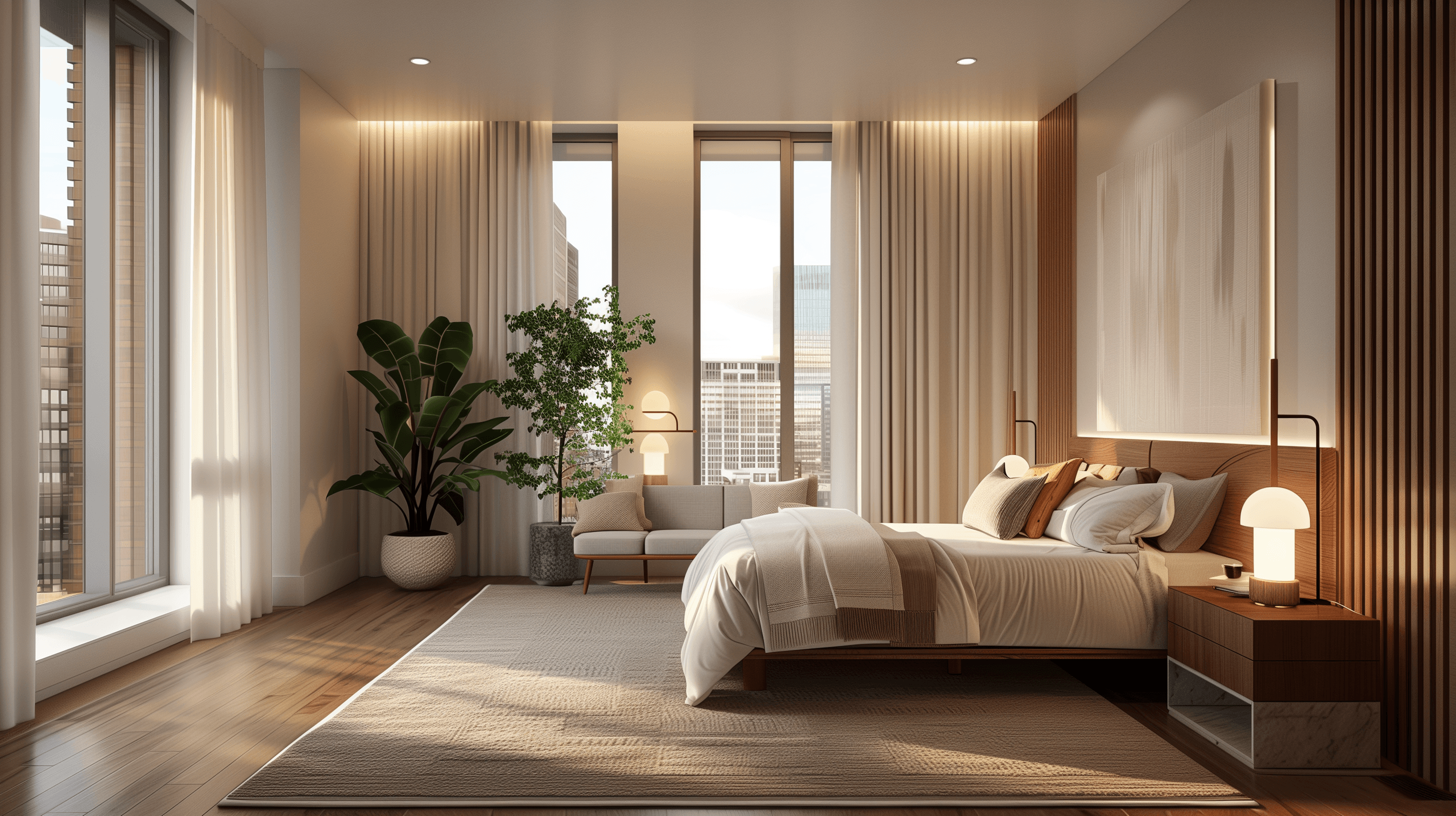
Upload an empty room. Watch it become a home.
Bring a photo of a bare space, set your style, or drop in the exact products you want — and see it fully rendered. Then click any piece to find where to buy it.
Open the visualizer→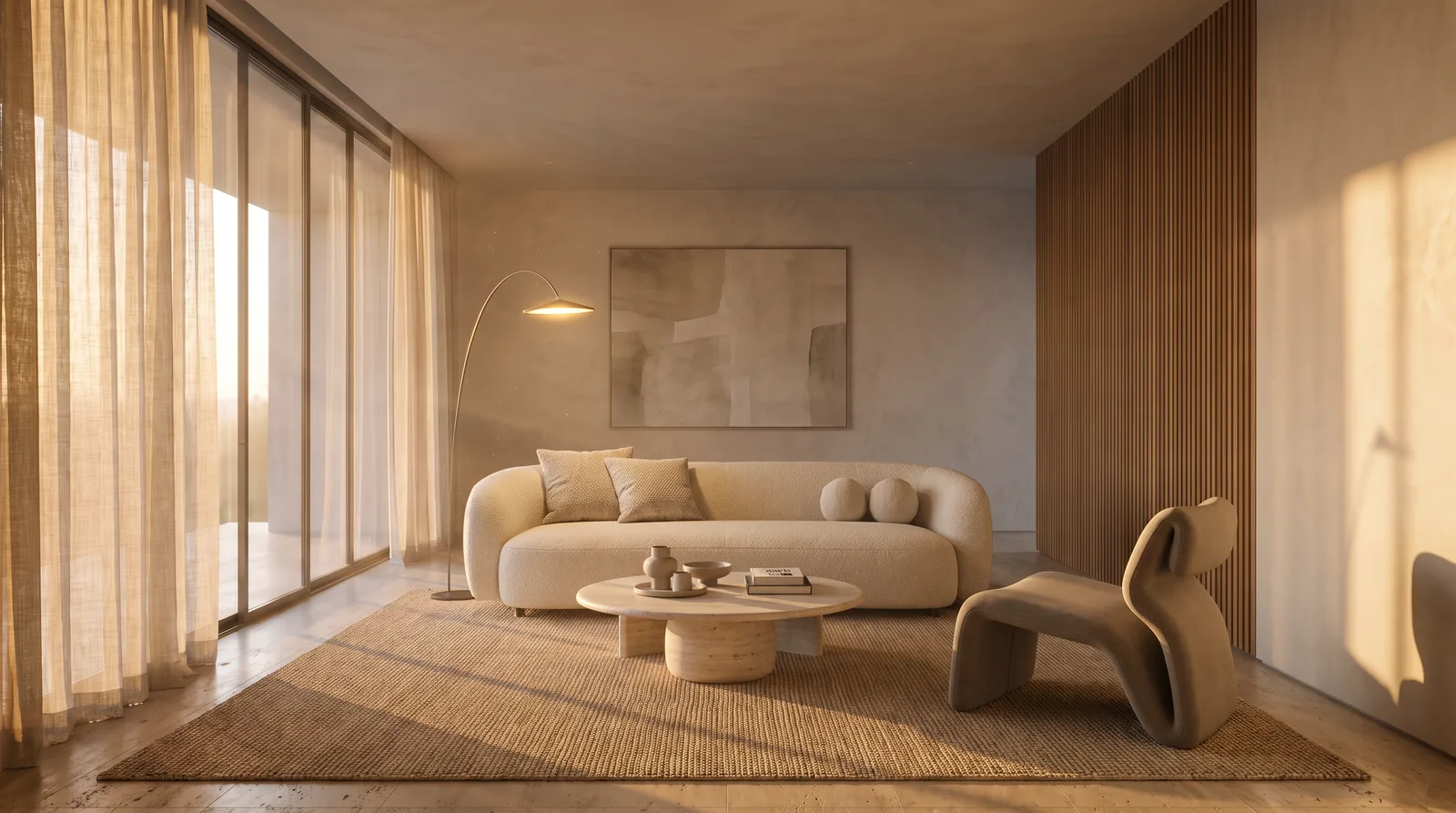
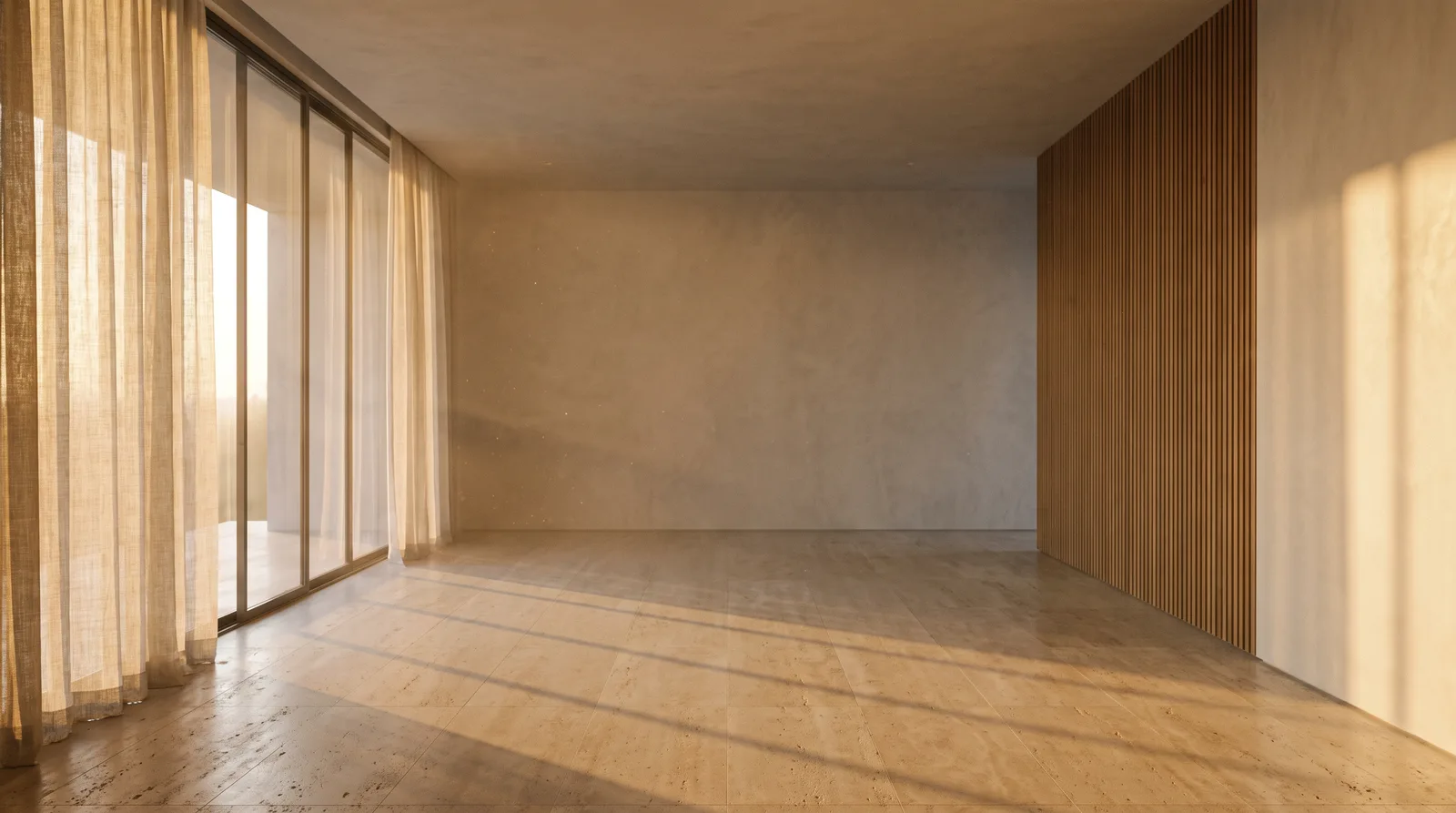 EMPTYDESIGNED
02 — AI Material Finder
Point at any room. We shop every piece.
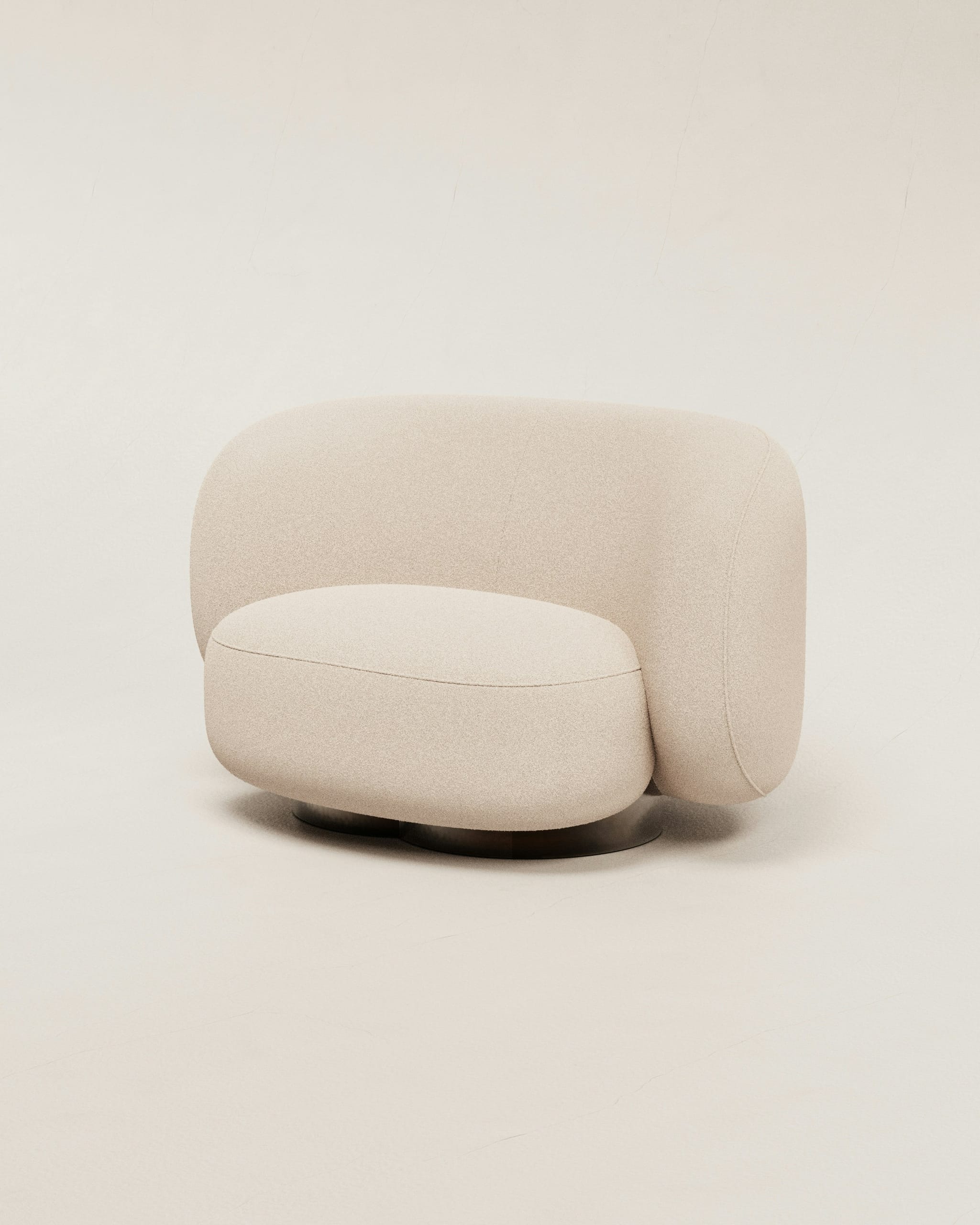
The AI reads a finished scene and matches each item — sofa, lamp, rug, tile — to a real, live-priced product from the material bank.
Try the finder→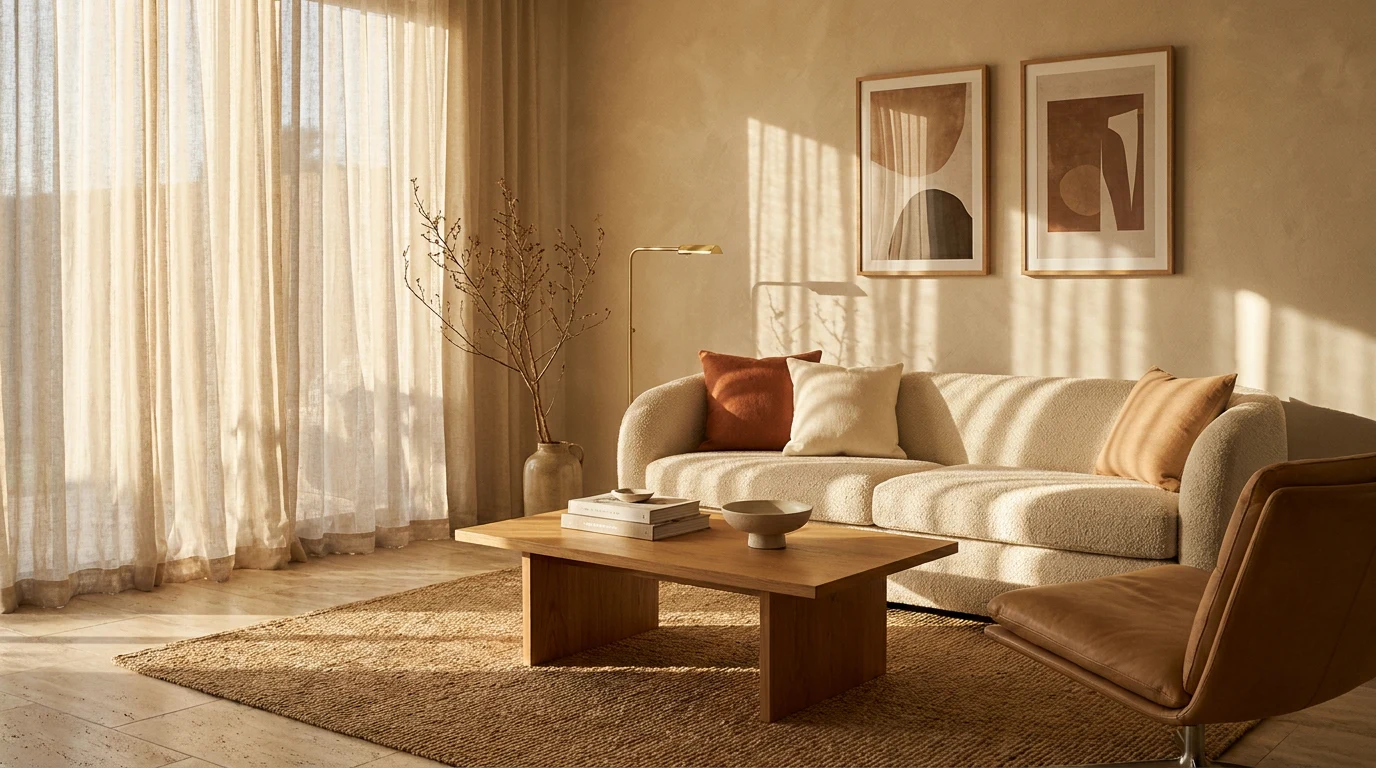
Found in this room
Bouclé Sofa
₹1,84,000
03 — Mood Board Creator
Pull your ideas into one board.
Combine products, colours, and an inspiration photo into a cohesive mood board the AI composes for you — the fastest way from feeling to direction.
Compose a board→


04 — Image to CAD
Turn a photo into a clean 2D drawing.
Convert a room photo or sketch into a tidy floor plan or 2D view. Interior elevation drawings are on the way — the same scene, drafted wall by wall.
Convert to CAD→Floor plans live today · elevations coming soon
Room photo
Elevations · soon05 — QuoteBoard · Spec Builder
Every choice becomes a spec sheet.
Add the pieces you love and they land on one drafting-sheet document — codes, finishes, quantities, live prices — ready to download or send to quote.
Build a spec→Sheet
SP-01
Project
Serene Villa
Items
3
| Item | Code | Finish | Qty |
|---|---|---|---|
| Bouclé Sofa | SF-03 | Ivory | 1 |
| Oak Coffee Table | TB-01 | Warm oak | 1 |
| Jute Rug 8×10 | RG-02 | Natural | 1 |
06 — Digital Library · Vendor Directory
A hundred and fifty thousand products, live-priced.
Research the whole material bank — real suppliers, real prices, filterable by category, brand, colour and finish. The catalogue behind every match.
Browse the library→

07 — Folios
Organise everything into folios.
Keep renders, boards, and specs together per project. File a favourite, group a room, and pick up exactly where you left off.
Open folios→ Folio
 Folio
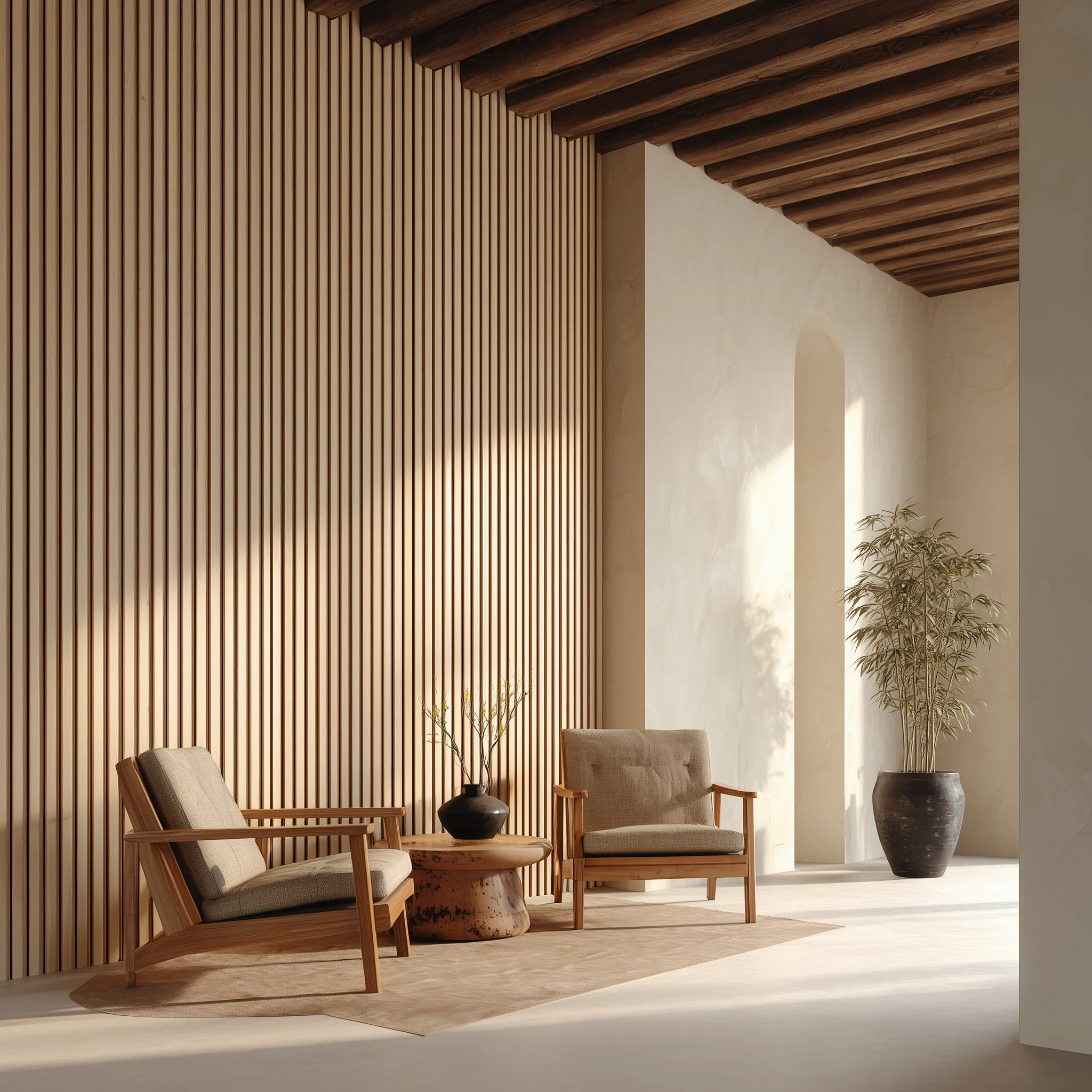 Folio
One workflow
Start with a room. We’ll take it the rest of the way.
Open the studio